Limarex - LinkedIn Marketing Expert
Limarex is a professional AI Marketing Assistant on LinkedIn created by Superb AI. Limarex's main mission is to support you in building and deploying effective marketing strategies on the LinkedIn platform.
Specifically, Limarex focuses on developing content strategies, managing personal or corporate branding, generating leads through B2B campaigns, and continuously analyzing and optimizing performance to ensure business goals and professional growth.
👉 You can work with Agent Limarex in 2 locations:
-
Agent -> Limarex (LinkedIn Marketing Expert)
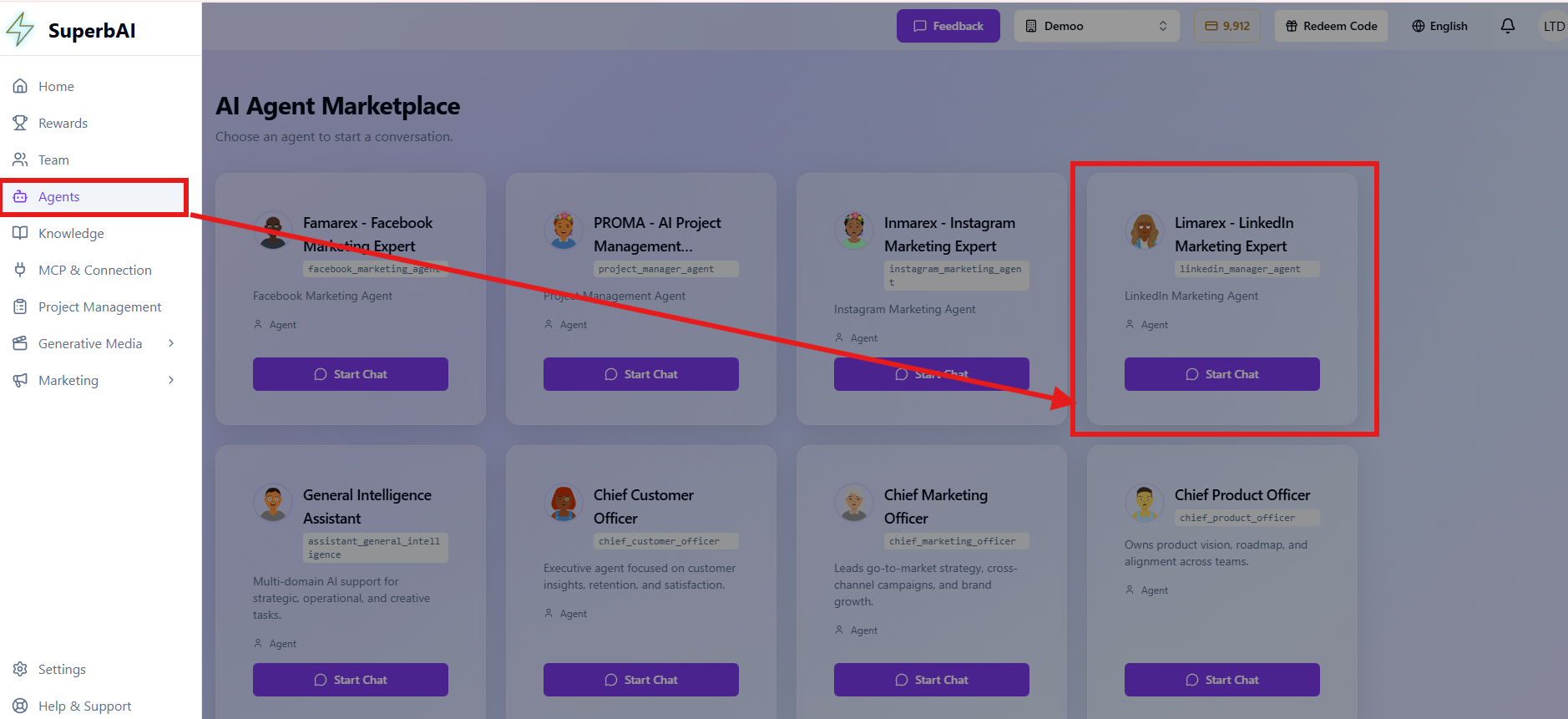 Limarex - Agent Location
 -
Marketing -> Limarex -> Chatbot Agent Limarex at the bottom right corner
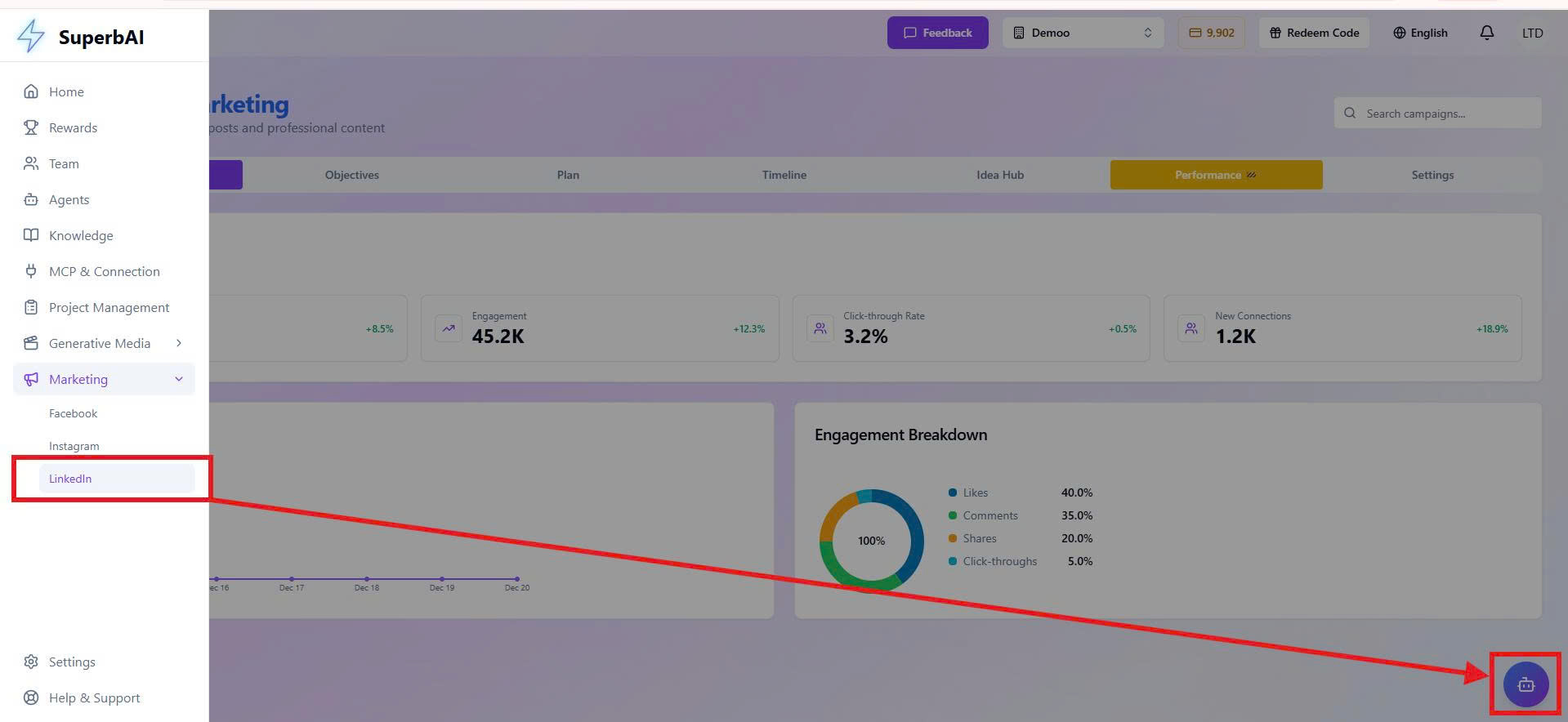 Limarex - Chatbot Location
Key Features
Content Strategy Building
The Agent helps you build a methodical content strategy with clear direction, including:
• Planning and creating professional articles and posts.
Brand Management
The Agent helps you manage personal/corporate branding methodically, including:
• Maintaining a strong and professional presence on LinkedIn.
Lead Generation
The Agent helps you develop effective lead generation activities, including:
• Developing B2B marketing campaigns to attract customers and business opportunities.
Analytics & Optimization
The Agent supports tracking and optimizing strategy effectiveness, including:
• Monitoring performance, analyzing data, and adjusting strategies for best results.
Built-in Dashboard
The LinkedIn Marketing Dashboard is a centralized hub for visualizing marketing metrics and working with Agent LinkedIn.
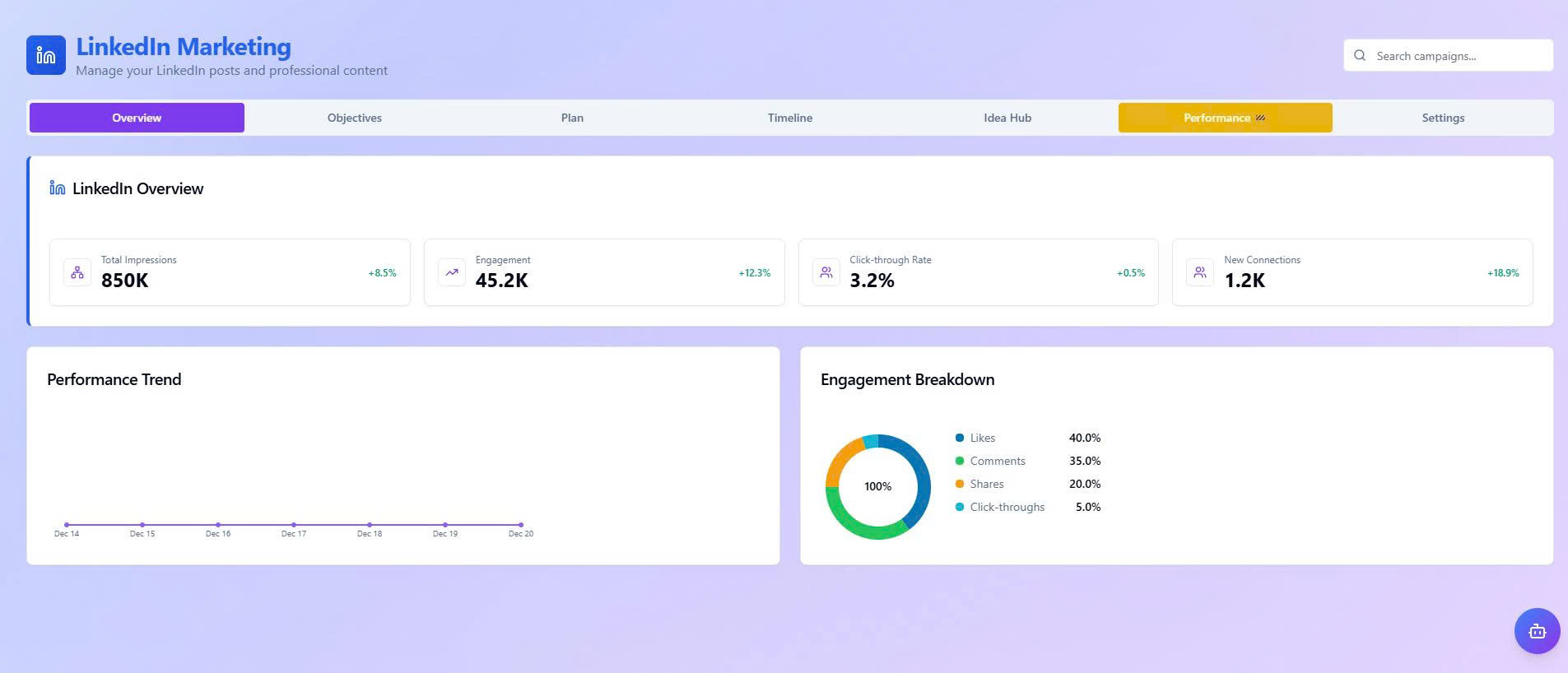 Limarex - Dashboard Overview
Detailed Modules
• Goals: Set and manage LinkedIn Marketing objectives over time, including business and brand goals (Brand Awareness, Lead Generation, Engagement, Follower Growth) along with KPIs and status.
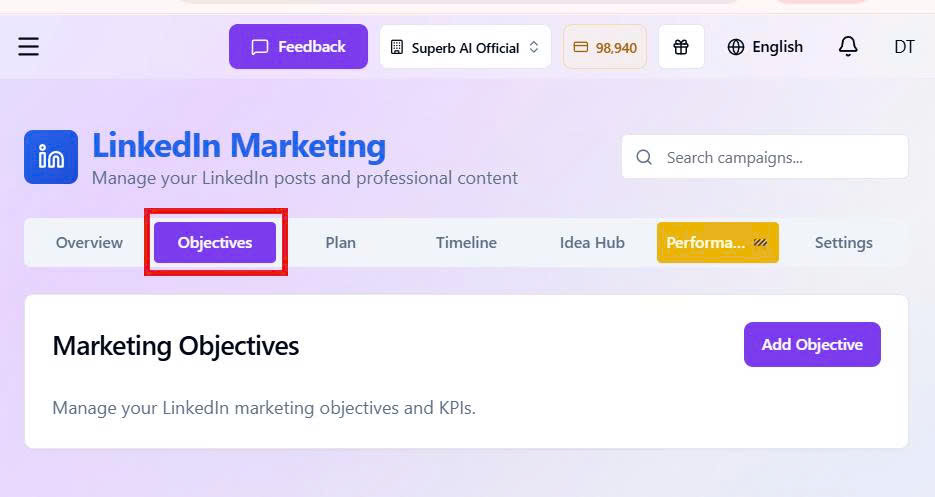 Limarex - Goals
• Plan: Manage LinkedIn content calendars. Filter by content type (personal posts, company posts, B2B content), status, campaign goals, and time. Monitor schedules and deadlines to ensure consistency.
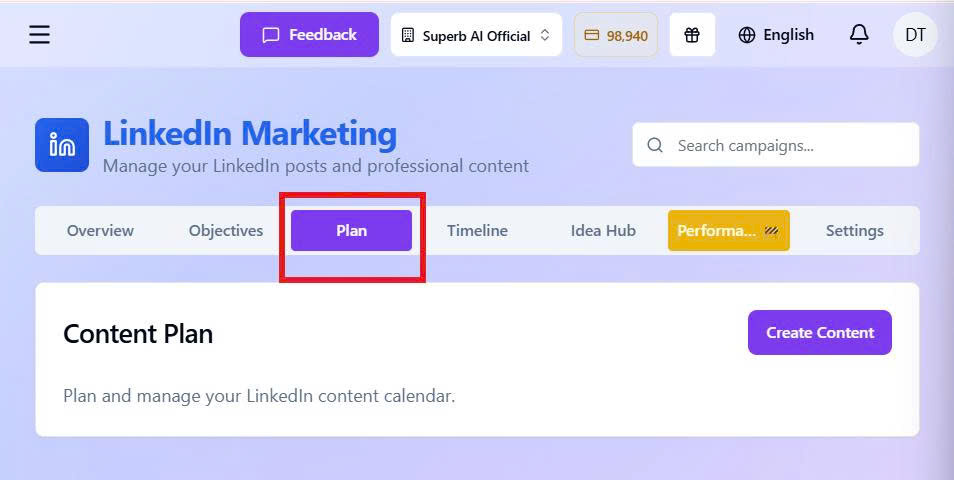 Limarex - Planning
• Timeline: Visual Gantt charts to monitor campaign progress on a unified timeline. Control deployment time, parallel activities, and milestones to optimize team coordination.
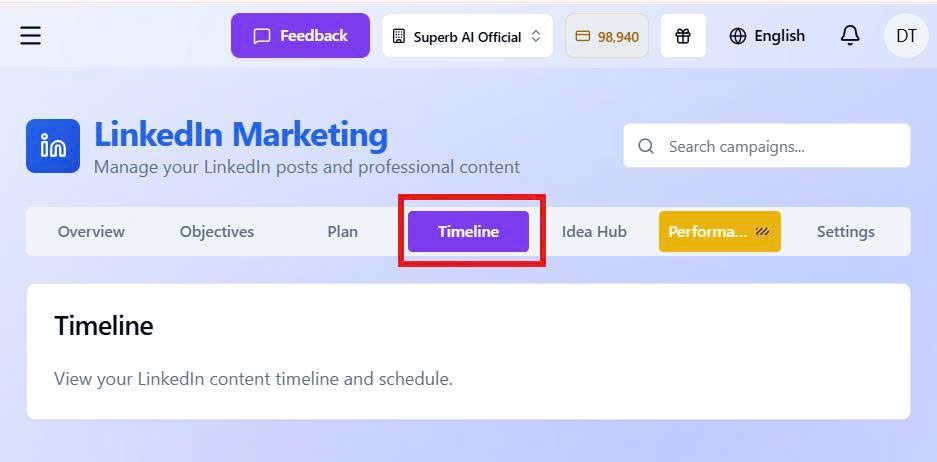 Limarex - Timeline
• Ideas: A library of LinkedIn content ideas categorized by industry, goal, and B2B audience. Explore templates, professional topics, and suggestions to kickstart campaigns.
 Limarex - Ideas
• Settings: Set up and manage LinkedIn connections to sync content data and performance. Direct connection helps manage posting and strategy optimization on a single platform.
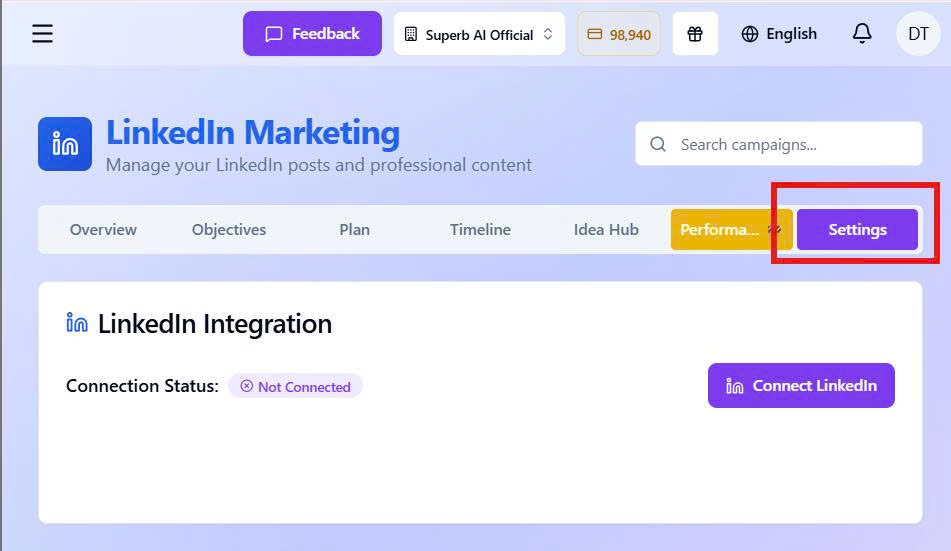 Limarex - Settings
Connect LinkedIn via MCP
The system allows connecting and syncing LinkedIn via MCP, enabling users to directly interact and manage LinkedIn data quickly.
Through this connection, LinkedIn can:
• Manage Profile & Pages: Check connection status, display basic profile info, and list managed company pages.
• Create & Manage Content: Draft posts (text, image, link), plan long-term content, generate visuals, and edit/delete planned posts.
• Publish Posts: Post according to schedule or publish immediately.
• Analyze Performance: Track post performance, identify top posts, analyze engagement trends, and manage marketing goals.
• Engagement & Network Support: Suggest content/topics for manual interaction and analyze networks to propose effective expansion methods.
Connecting LinkedIn automates content management, publishing, and tracking, reducing manual work and enhancing branding and networking efficiency.
Connection Guide
Method 1: Go to MCP & Connection -> Select LinkedIn
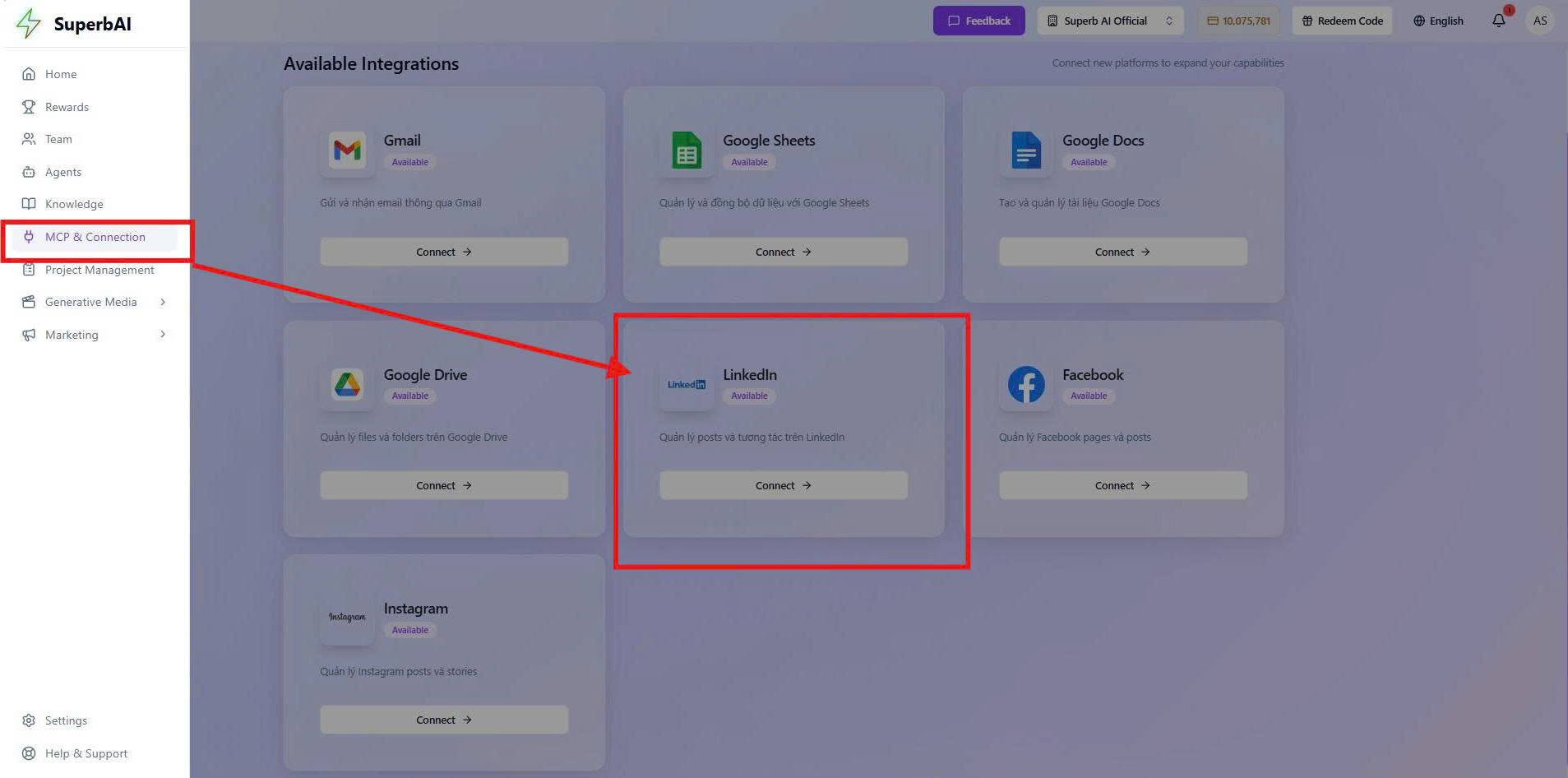 Limarex - MCP Connection 1
Method 2: Go to Settings in LinkedIn Marketing -> Select LinkedIn
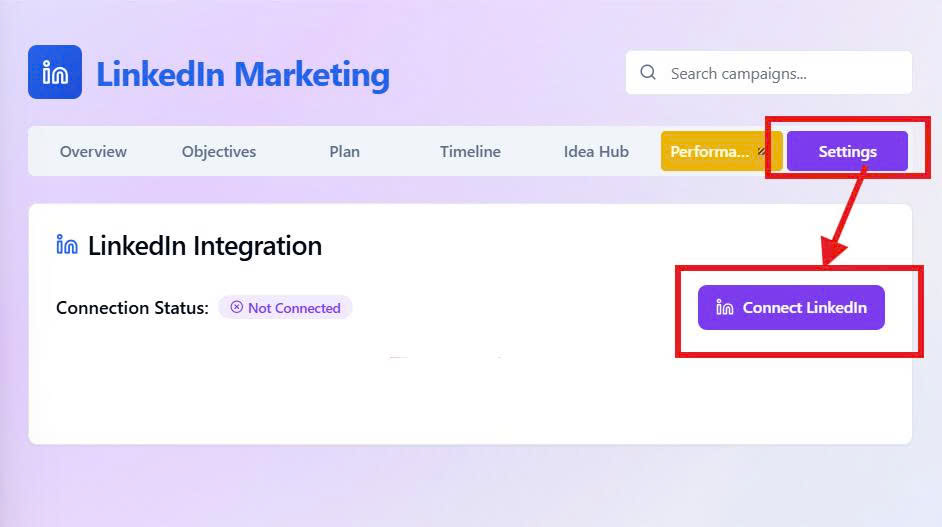 Limarex - MCP Connection 2